

Create a project
Add a Cintesa organization and project, then open General to name the site and save Identity.
Last updated on
Create an organization
If you are the first person on the account, the dashboard asks you to create an organization. Use the business name operators will recognize on invoices and invites.
Create a project
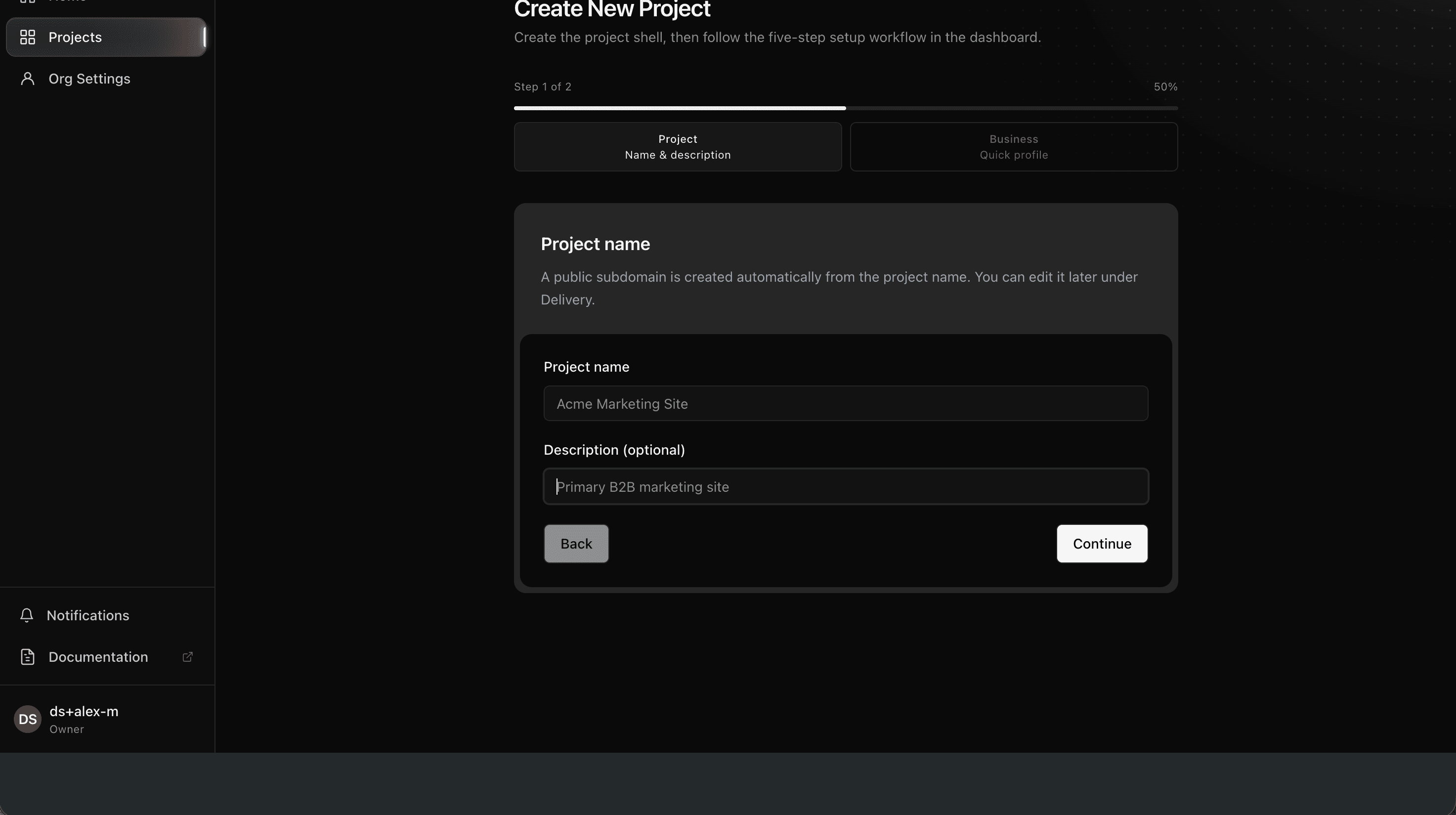
- Open the organization.
- Choose New project (or the equivalent create action).
- Give the project a working name. You can change it later under General.
- Open the project. The Next step card points at the first incomplete workflow step.
A new project is not ready to share until you finish the workflow and go live. Use Project management to keep it under construction or inactive until then.
What “done” looks like
You can open the project from the organization list, and the dashboard shows the five-step workflow instead of an empty account.
© 2026 Cintesa. Guide text and screenshots are Cintesa product materials for personal and operator use. Do not scrape or republish them commercially without permission. Terms of Service · Privacy Policy.