

Get started
Create a Cintesa organization and project, then complete the five-step workflow until you can go live.
Last updated on
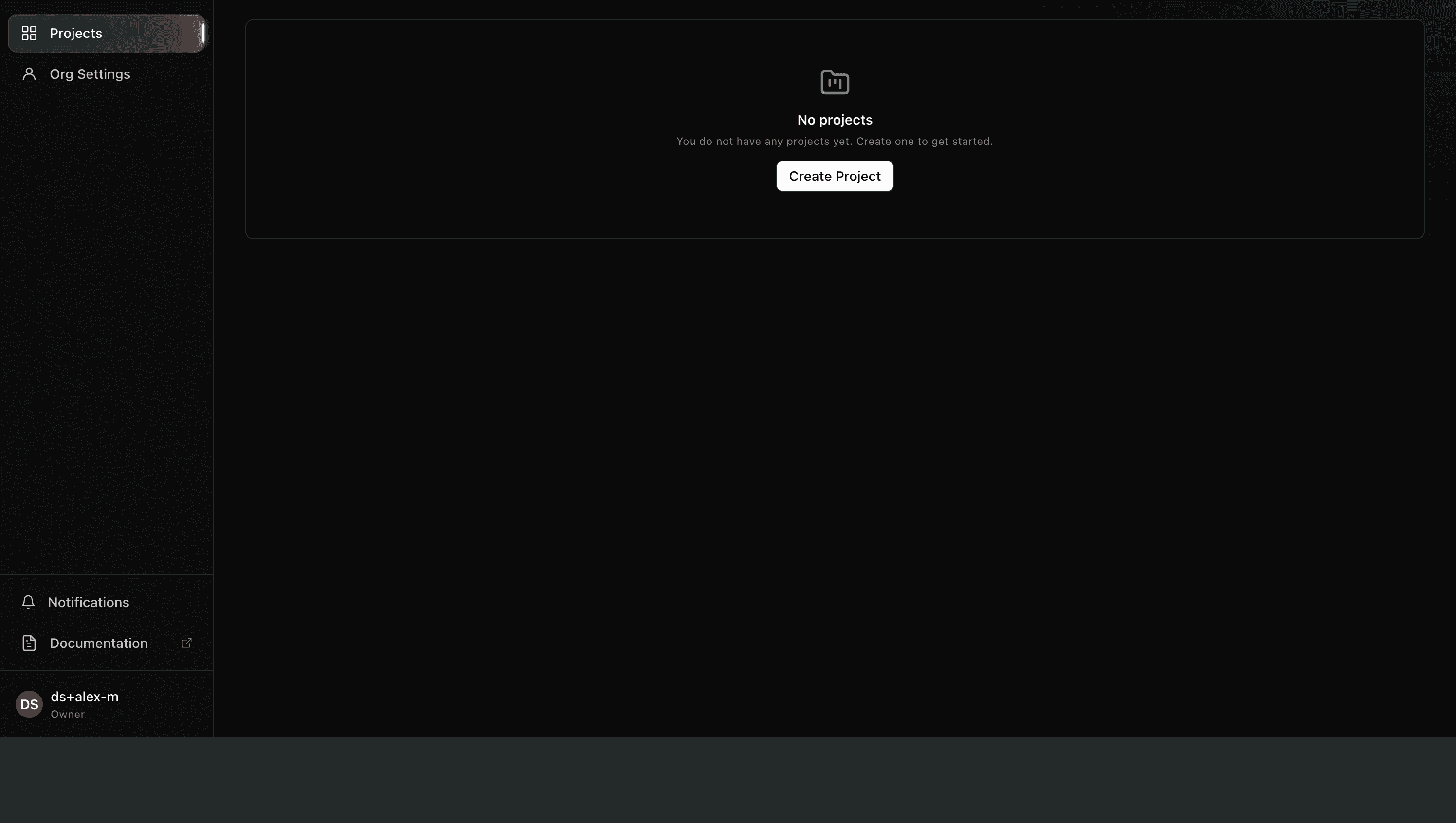
Cintesa is organized as organization → project. An organization holds billing, members, and one or more sites. Each project is one visitor-facing site plus its agent.
What you will do
- Create an organization (if you do not have one) and a project.
- Complete the five-step workflow in the dashboard: General → Data Sources → Visual & UI → Content & Funnels → Agent Instructions.
- Choose go live or under construction. After General is saved you can also prepare Agent readiness so other AI systems can find the project. Ongoing live, pause, and delete controls live under Project management.
Until setup is complete, the dashboard shows one next action: a Next step card in the upper-right, a green dot on the tab or field to use, and a lock on later pages. Do not skip ahead — project setup guidance explains why.
Open the right project
After you sign in, pick the organization, then the project. All guide pages below assume you are inside that project.
© 2026 Cintesa. Guide text and screenshots are Cintesa product materials for personal and operator use. Do not scrape or republish them commercially without permission. Terms of Service · Privacy Policy.