

Team
Members
Invite people to the Cintesa organization and pick a role — not the same as Scheduling Team.
Last updated on
Open the organization Team (or Members) list.
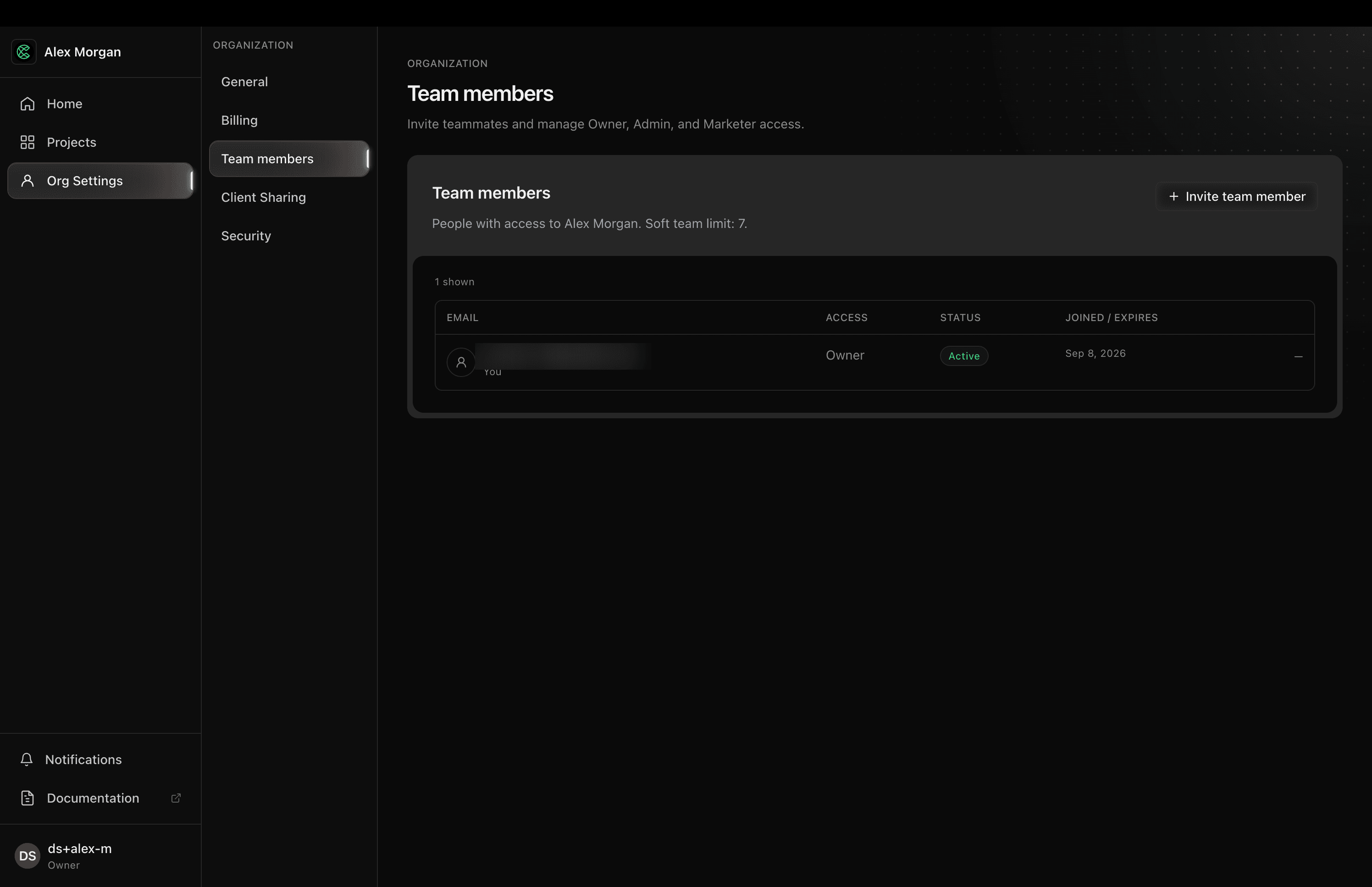
- Invite with an email.
- Choose a role:
- Owner — billing, members, destructive project actions (including project management and delete).
- Admin — full project setup, including operational mode and delete.
- Marketer — content and day-to-day project work; not billing, Support, operational mode, or delete.
- The invitee accepts from email and lands in the organization.
Remove access from the same list when someone leaves. Client portal users are not members — see Client Sharing.
People who take bookings are added under Scheduling → Team. An org invite does not make someone bookable; a Scheduling Team row does not grant dashboard sign-in.
© 2026 Cintesa. Guide text and screenshots are Cintesa product materials for personal and operator use. Do not scrape or republish them commercially without permission. Terms of Service · Privacy Policy.