

Client Sharing
Invite a client to the Cintesa portal so they can review the work without becoming an Admin.
Last updated on
Open Client Sharing on the project.
Plan-related feature. Available on Pro or higher (Client sharing). On Basic and Starter the dashboard shows an upgrade notice. See Plans.
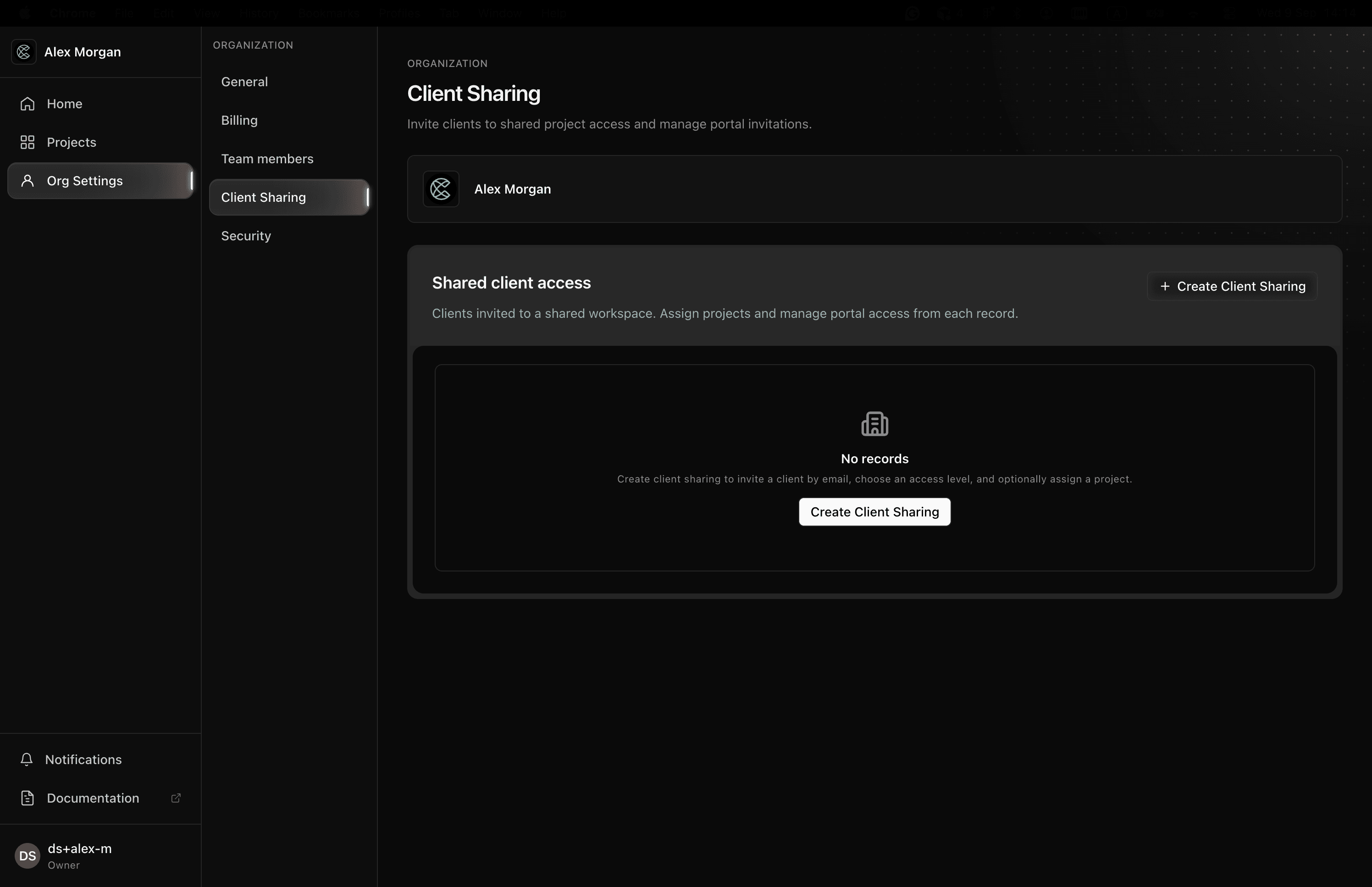
- Invite the client’s email.
- They join the portal, not the operator dashboard.
- Portal copy refers to “your agency” / “the team who invited you.”
Portal users do not see Owner billing, internal Support, or General → Management. They see the surfaces you shared (site preview, selected project areas). Project management stays with the agency.
Profiles and who-is-here notices use the same design system as the operator Team page. These notices are informational: Team and Client users with write access can edit and save the same page at the same time. The latest successful save wins.
© 2026 Cintesa. Guide text and screenshots are Cintesa product materials for personal and operator use. Do not scrape or republish them commercially without permission. Terms of Service · Privacy Policy.